TestFlight beta is open
Cursor for
handwriting
Penwork reads your notes, shows you what it would change, and writes the fix in your own hand. Ask Penpal, the assistant beside your notes, and solutions, grading, graphs and free-body diagrams land on the page in your handwriting.
For iPad and iPhone.
What Cursor does for code, for your notes.
Penpal writes note markup the way Cursor writes code. Figures only need their meaning. The Penwork engine works out the layout and draws them with your own lines and letters.
Just ask Penpal.
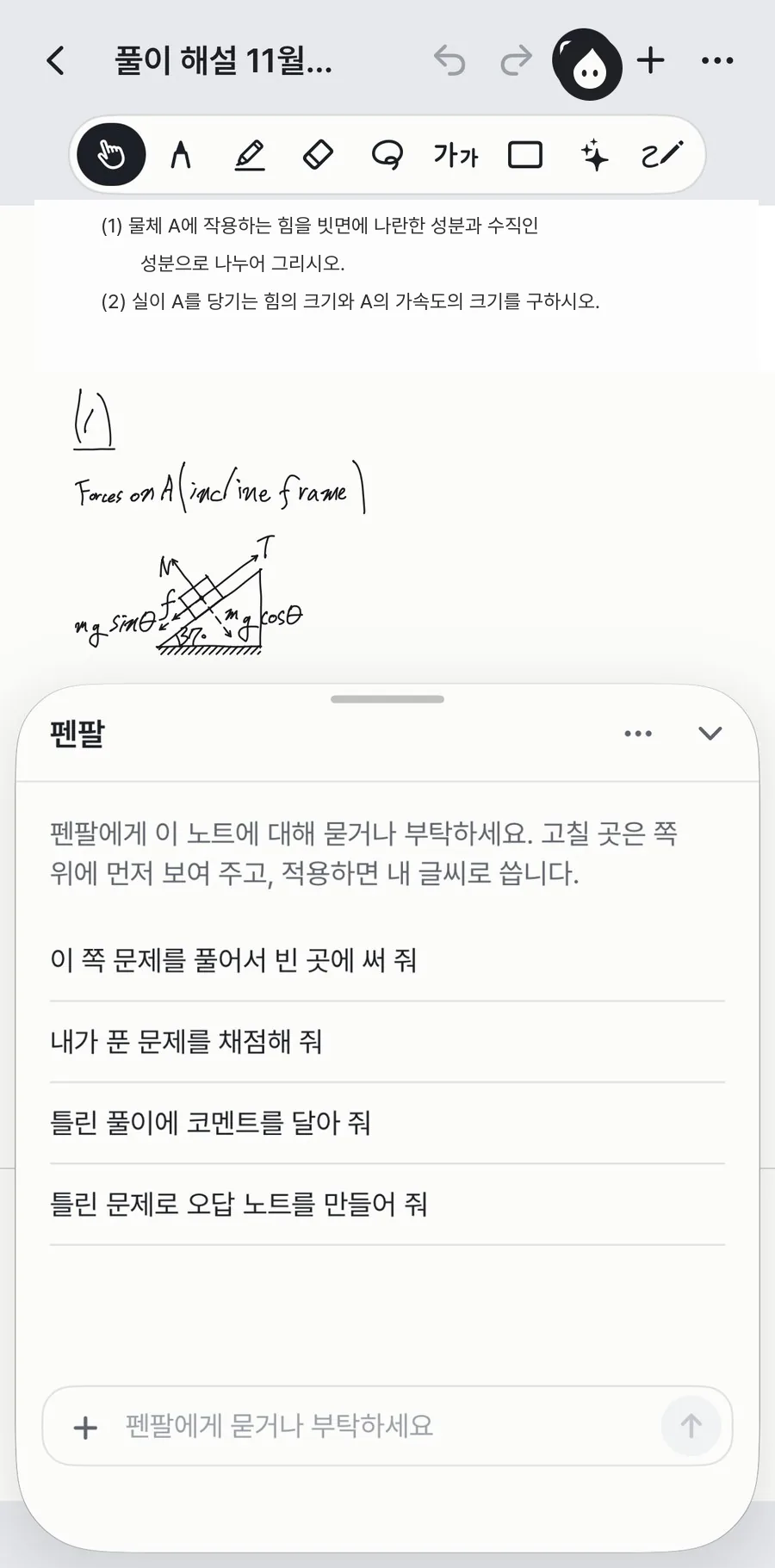
Penpal sits beside your notes and sees the same page. It solves in the blanks, grades what you've done, draws figures and leaves comments where you went wrong. It marks changes first and writes them in your hand when you apply them.
1A block slides down a slope at angle θ with coefficient of kinetic friction μ. Find its acceleration.
2A 6 V battery is connected in series with a 2 Ω resistor and a 3 Ω and 6 Ω pair in parallel. Find the current from the battery.
3Find the local extrema of f(x) = x³ − 3x² + 2 and sketch its graph.
4Solve x² − 5x + 6 = 0.
Today
This demo doesn't call a model. It replays results drawn by the same engine from the same markup the app uses.
Figures, in your hand.
Free-body diagrams, circuits, structures, graphs, geometry and tree diagrams. Penpal writes only what a figure means; the engine lays it out and draws it with your lines and letters. Every figure below was drawn by the app's engine.
Not a font.
A font stamps the same letter every time. Penwork picks from several samples of each letter and word you wrote and nudges the size, slant and spacing. When it fixes something it rewrites the whole word or sentence, not a single letter, so the fix doesn't stand out.
Three times in a font
Three times in Penwork
Try it yourself.
Type English, numbers or symbols and the Penwork engine writes them in the handwriting of the person who made this site. Tap a word to rewrite just that word. In the app, it writes in yours.
Dotted boxes are letters this demo hasn't learned. Try English, numbers and math symbols.
Write here
Pick up on iPhone.
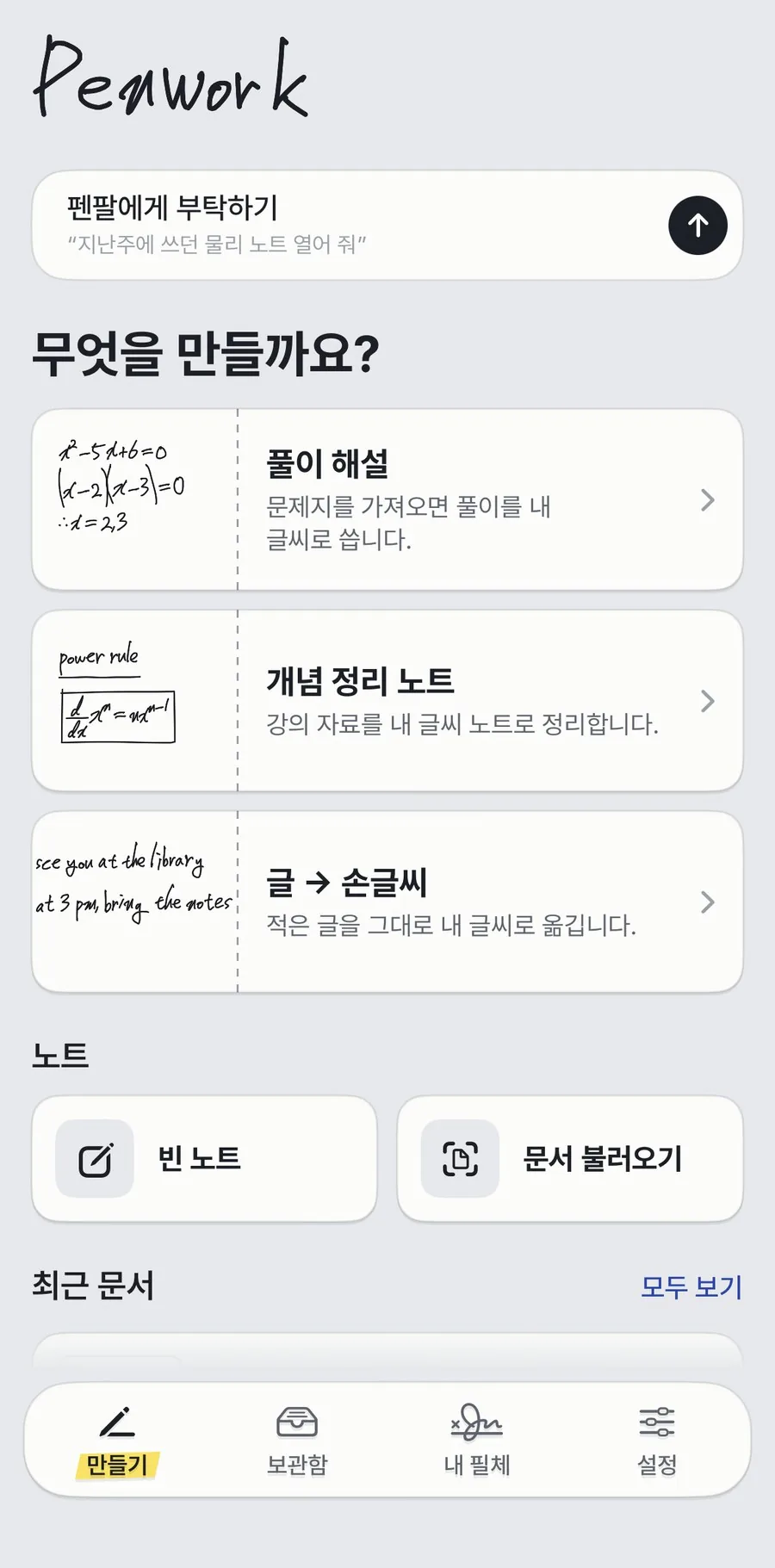
Turn on iCloud sync and the handwriting you set up on iPad works on iPhone too, and your documents follow if you choose. On iPhone you browse by default and write once you pick up the pen.
Promises
Your handwriting stays yours.
Your handwriting and documents are stored on your device and in your own iCloud. They never sit on our servers, and we can't see them.
No tracking.
The app uses no advertising identifiers and no cookies.
It shows before it writes.
Penpal marks changes on the page first. Nothing is written until you apply it, and one Undo takes it back.
Notes are free.
Writing notes and turning text into handwriting cost nothing. Only AI features use credits, as you go.
Made for learning.
Worked solutions are for studying and teaching. Please don't hand them in.
See you in your notes.
We're looking for beta testers. If you study by hand on an iPad, we'd love to hear from you.